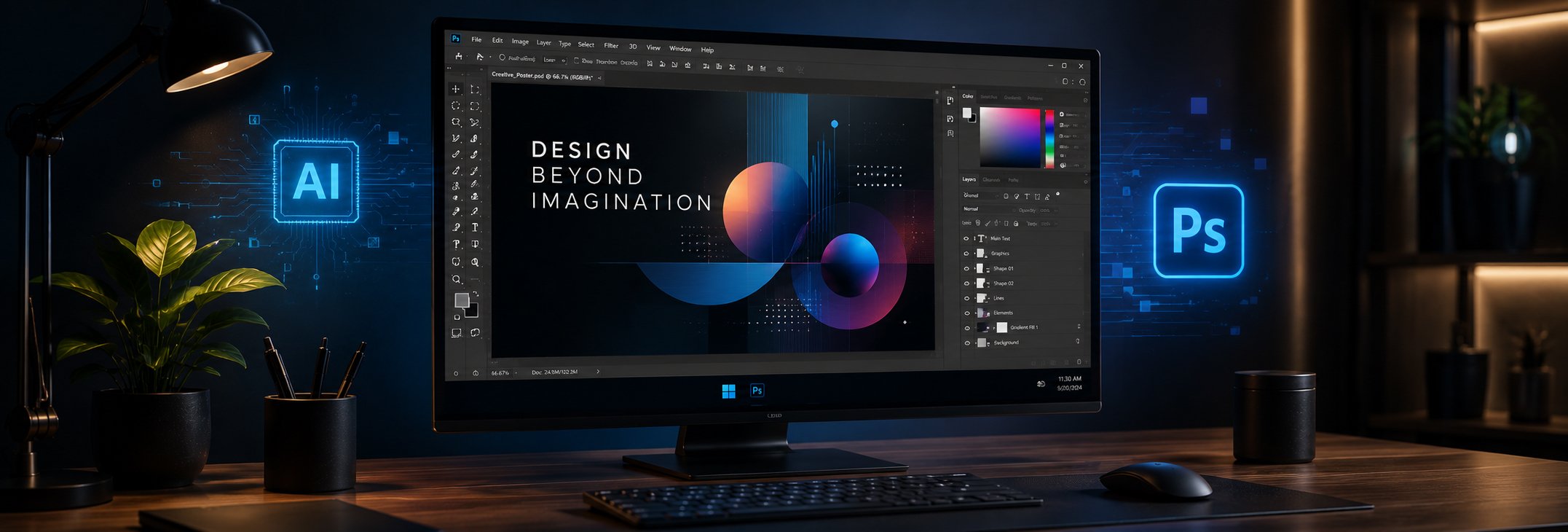
Photoshop & AI Graphic Design Course
Learn Photoshop from beginner to advanced, master AI-powered design workflows, and create professional real-world projects from scratch.

Learn Photoshop from beginner to advanced, master AI-powered design workflows, and create professional real-world projects from scratch.
🎥 25 Hours of Practical Training Videos
📁 30 Downloadable Resources
💬 70 Q&A Sessions
✏️ 40 Practice Sessions
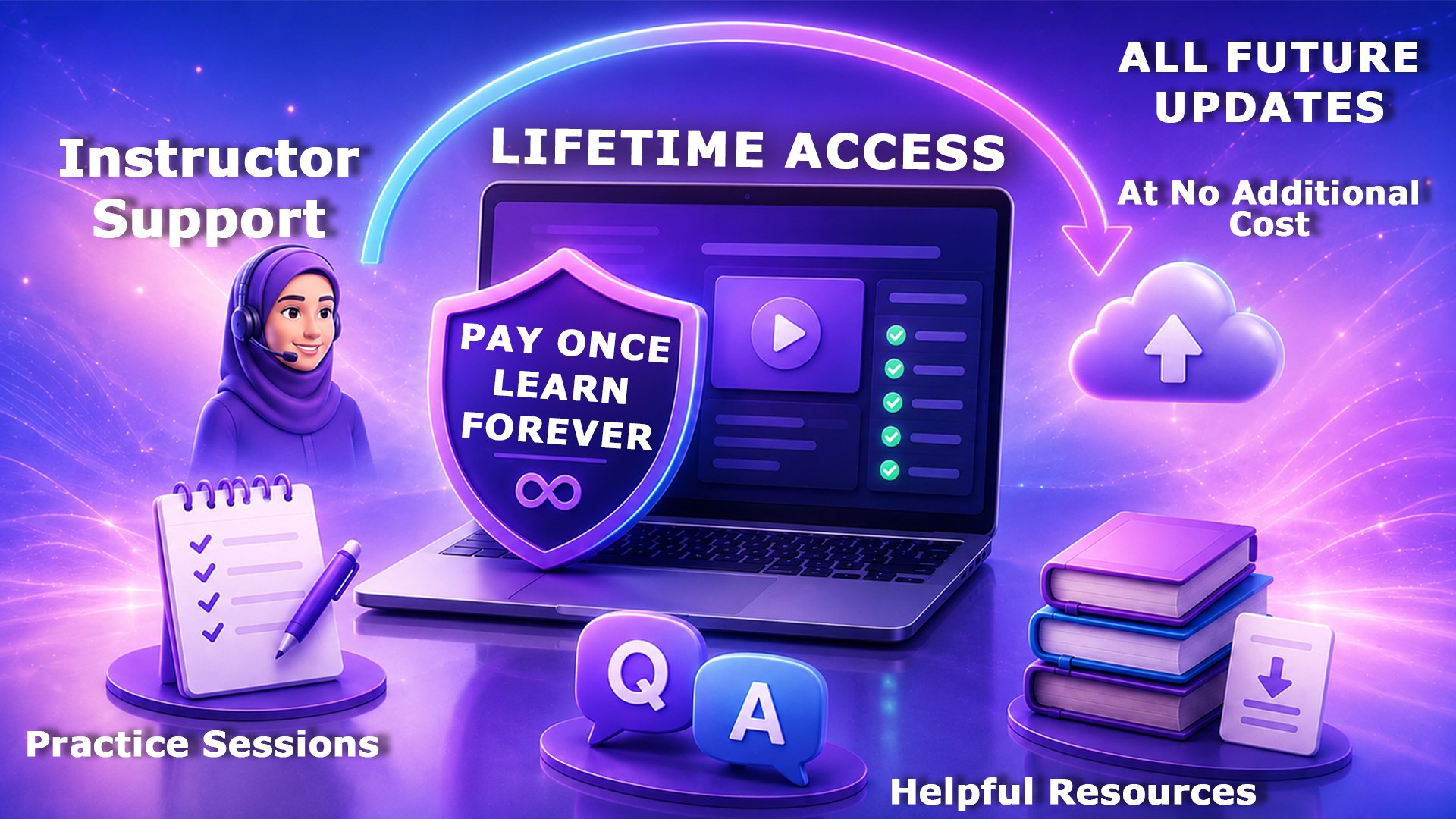
💳 Pay Once, Learn Forever
♾️ Full Lifetime Access
👩🏫 Lifetime Instructor Support
🔄 Lifetime Access to All Future Course Updates at No Additional Cost
📱 Access on Mobile and TV
🏆 Certificate of Completion
🎁 Want to preview the course before you buy?
A few selected lessons are available to watch for free. Open the course content below and look for the free preview lessons.
Absolutely! This course takes you from the basics to more advanced techniques in Photoshop and AI.
You don’t need previous experience with Photoshop or AI tools.
You’ll learn step by step through practical lessons, exercises, and real design projects.
You get approximately 25 hours of up-to-date practical training, downloadable resources, practice sessions, Q&A sessions, and ongoing instructor support—all for a one-time payment.
You’ll also receive lifetime access to the course and future updates at no additional cost. Instead of paying repeatedly for new course versions, you can keep learning and revisiting the content whenever you need it.
Free tutorials can be helpful, but finding the right lessons, connecting different techniques, and knowing what to practice next can take a lot of time.
This course brings structured lessons, practical projects, exercises, downloadable files, Q&A sessions, and instructor support together in one place.
You can follow a learning path, practice what you learn, ask questions when you get stuck, and revisit the lessons whenever necessary.
Yes! You will have continuous access to instructor support, so you can reach out whenever a question arises or you encounter any challenges during your learning journey.
Support and answers to your questions are provided through three channels:
You can send an email to:
bestaphic.contact@gmail.com
Alternatively, you can get in touch and ask your questions via the Telegram and WhatsApp accounts. We will respond to your inquiries as quickly as possible.
You will also have access to Q&A sessions, practical exercises, and course learning resources.
My goal is to help you go beyond simply watching the lessons and enable you to apply your skills in practice.
Yes. Your purchase includes lifetime access to the course content and future course updates at no additional cost.
You can return to the lessons whenever you need a refresher and benefit from new or updated content as the course evolves.
Yes! I am confident in the quality of this course, and I believe that if you follow the instructional steps, you will gain valuable skills in Photoshop and AI-powered design.
For this reason, I offer a 30-day money-back guarantee.
If you complete the entire course—including all lessons, exercises, Q&A section prompts, and practical projects using the provided resources—yet still feel that you have not achieved your intended learning goals, you may request a refund within 30 days of your purchase.
To be eligible, you must have completed the designated course activities and submitted your exercises and projects for review. Simply watching the videos without completing the exercises is not sufficient.
To request a refund, please send an email to "bestaphic.contact@gmail.com"
Include your purchase details and information regarding the work you have completed so that I can review your progress and evaluate your request against the terms of the guarantee.
My goal is to ensure you have the opportunity to apply the course material and experience its value with complete peace of mind.
The course is designed to help you develop practical skills that can be applied to real design needs, such as promotional graphics, social media content, banners, and advertising materials.
These skills can help you build a portfolio and prepare for freelance opportunities.
Your success will also depend on the quality of your work, your ability to communicate with clients, and how consistently you promote your services.
No. The course is available for a one-time payment, with no recurring course subscription.
Your purchase includes lifetime access to the course content and future updates.
Yes! You can study whenever it suits your schedule, revisit lessons, and spend extra time practicing challenging techniques.
With lifetime access, you don’t have to rush through the material or worry about losing access after a short period.
If you want to learn graphic design from the ground up, build a strong foundation, and eventually create real-world, practical projects using Photoshop and AI tools, this course is designed for you.
🚀 Once you’ve developed the core skills, you’ll put your knowledge into practice through real-world projects, including advertising poster design, product promotional posters, and graphic content for social media. This hands-on experience will help you build greater confidence in applying what you’ve learned.
But this course is not just about Photoshop.
🤖 Alongside Photoshop, you’ll also learn how to work with AI tools and use them to speed up your workflow, generate and enhance images, develop ideas, and optimize the overall design process.
You’ll also become familiar with the principles of Prompt Engineering, enabling you to write more precise and effective prompts and get more relevant and professional results from AI tools.
💡 The goal of this course is not simply to teach you how to use a few tools. Instead, you’ll learn how to bring together Photoshop, AI, and graphic design principles and use them as a complete workflow for creating real-world design projects.
By the end of this course, you’ll be able to:
💻 Work professionally with Photoshop.
🖼️ Edit, color-correct, and retouch images.
🎨 Create professional advertising and graphic designs.
📢 Design advertising and product promotional posters.
📱 Create professional graphic content for social media.
🤖 Use AI tools to improve the speed and quality of your design workflow.
💡 Use AI for image generation and creative ideation.
✍️ Create more effective and precise prompts for AI tools.
🚀 Turn your ideas into professional, ready-to-use designs.
💼 Execute real-world design projects for clients, businesses, and social media.
📚 To support your learning, practice exercises, hands-on projects, and the necessary project files are provided throughout the course. This allows you to put your knowledge into practice and build greater confidence and readiness for working on real-world graphic design projects.
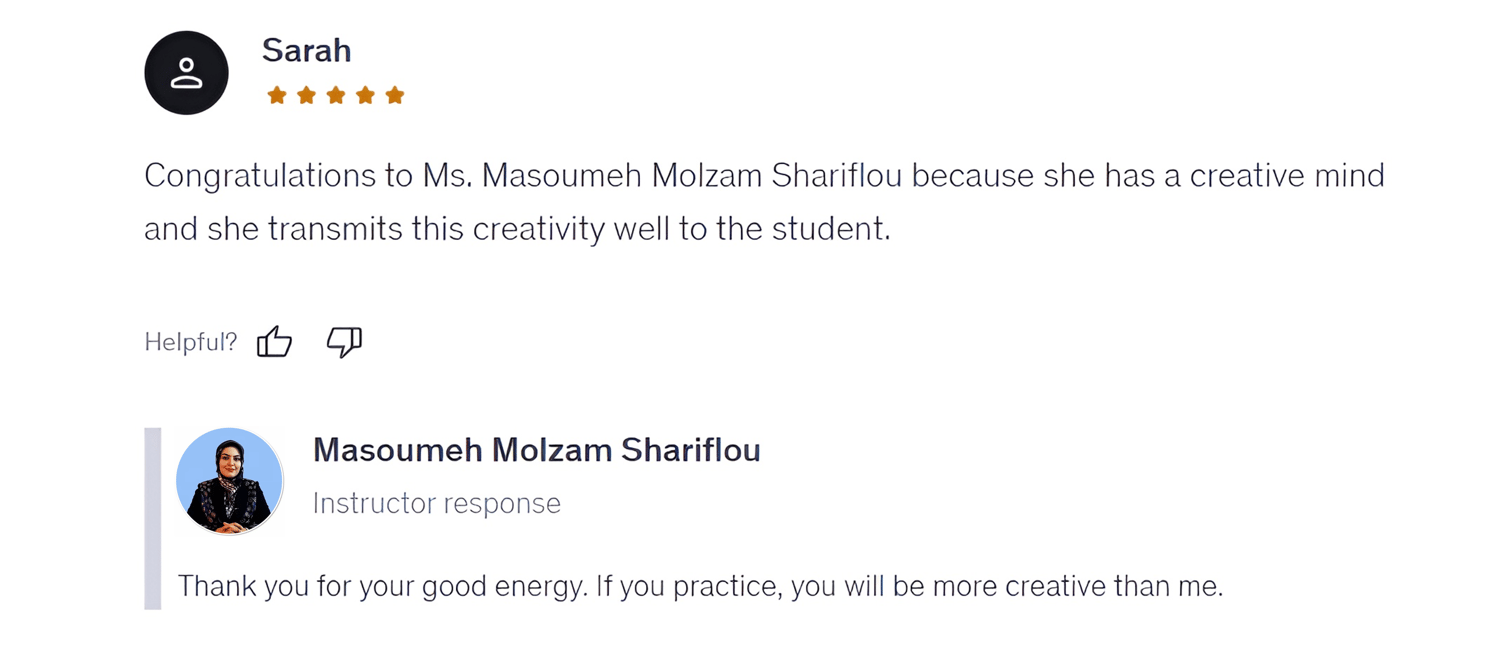
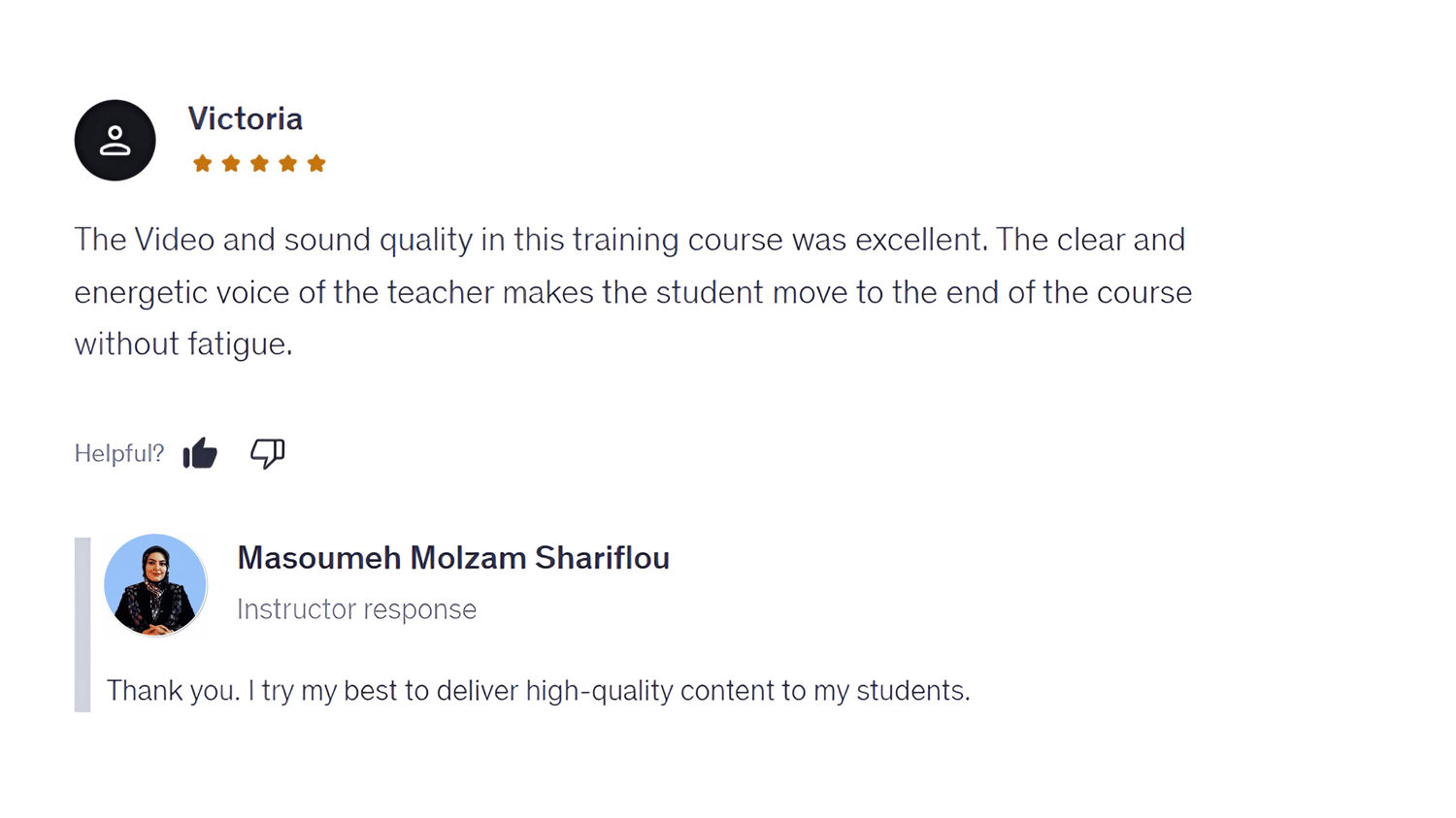
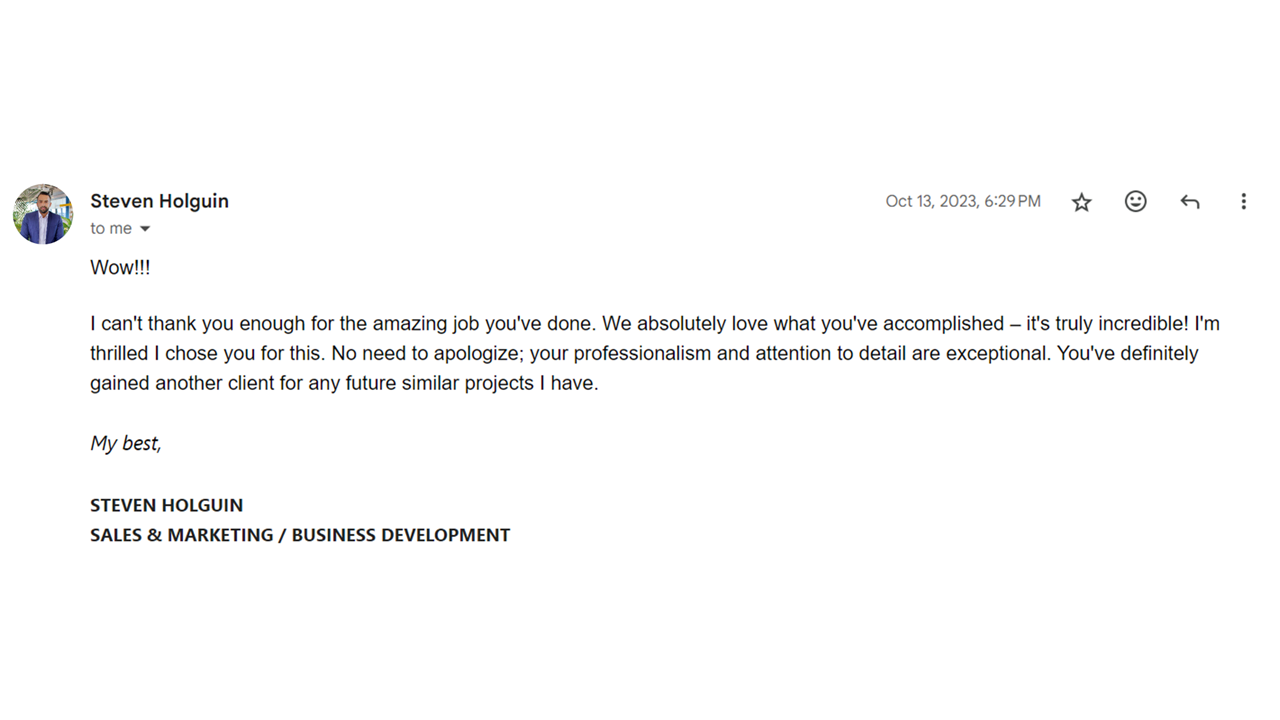
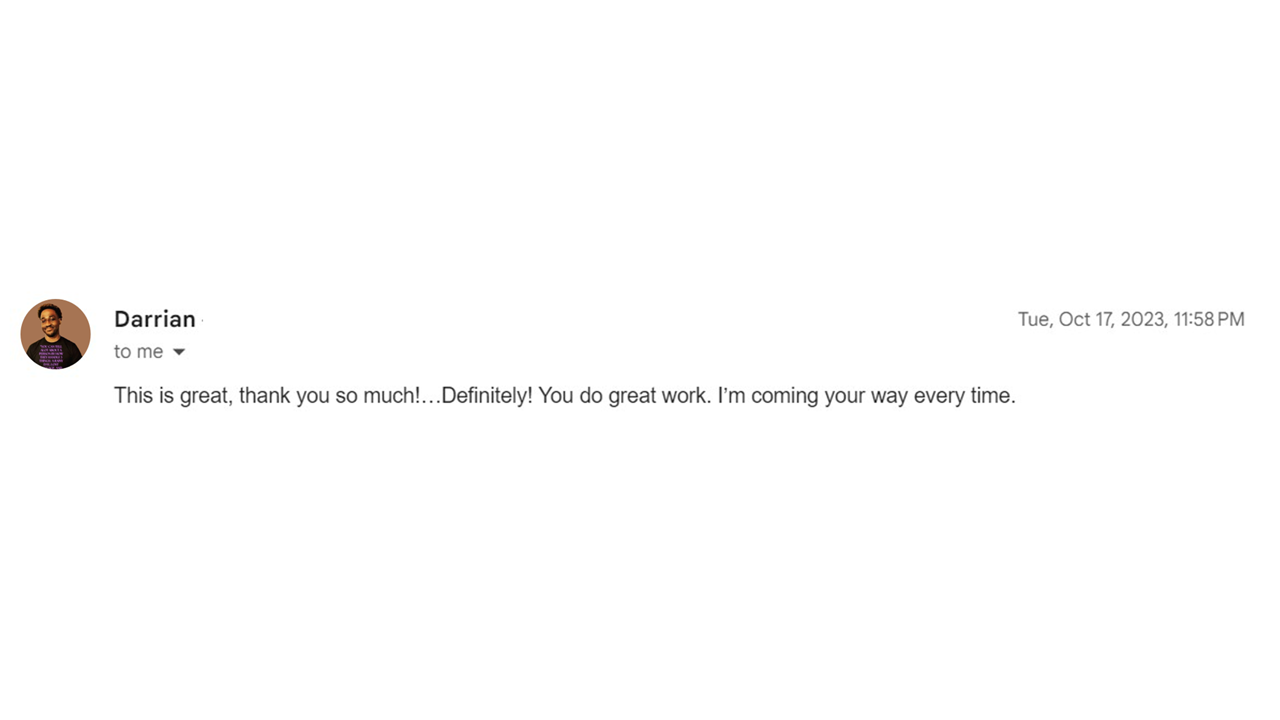
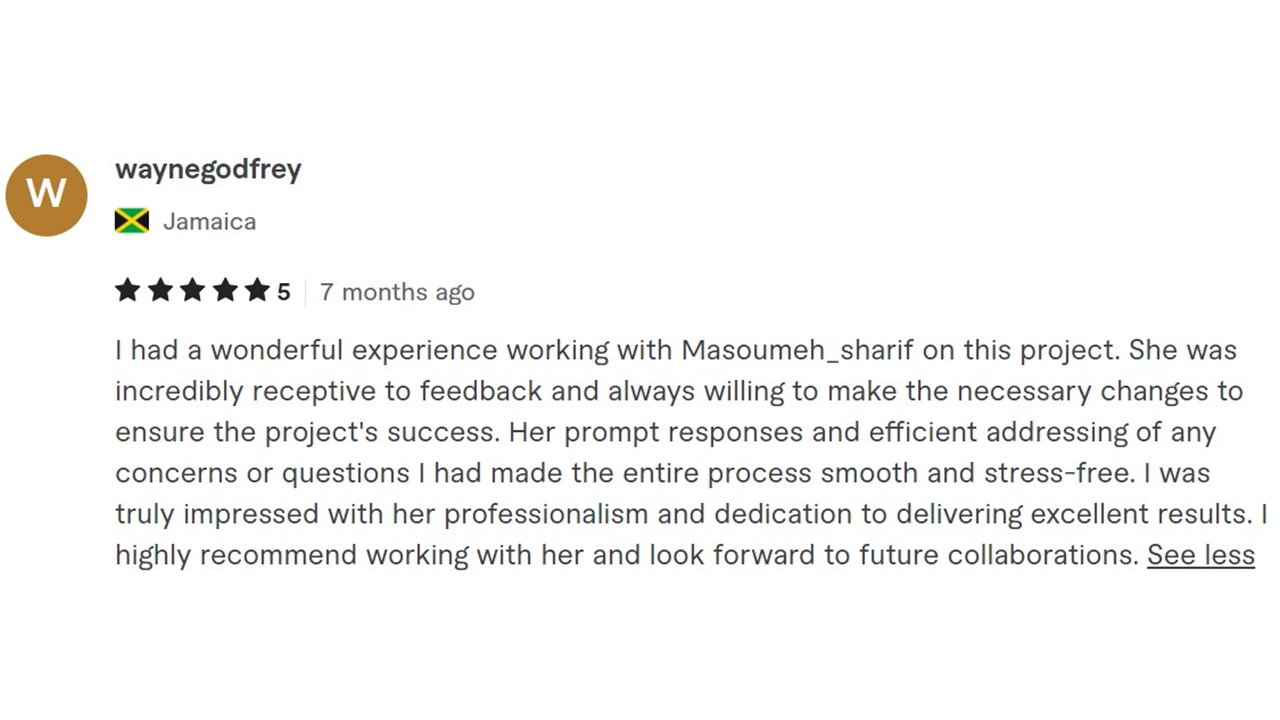
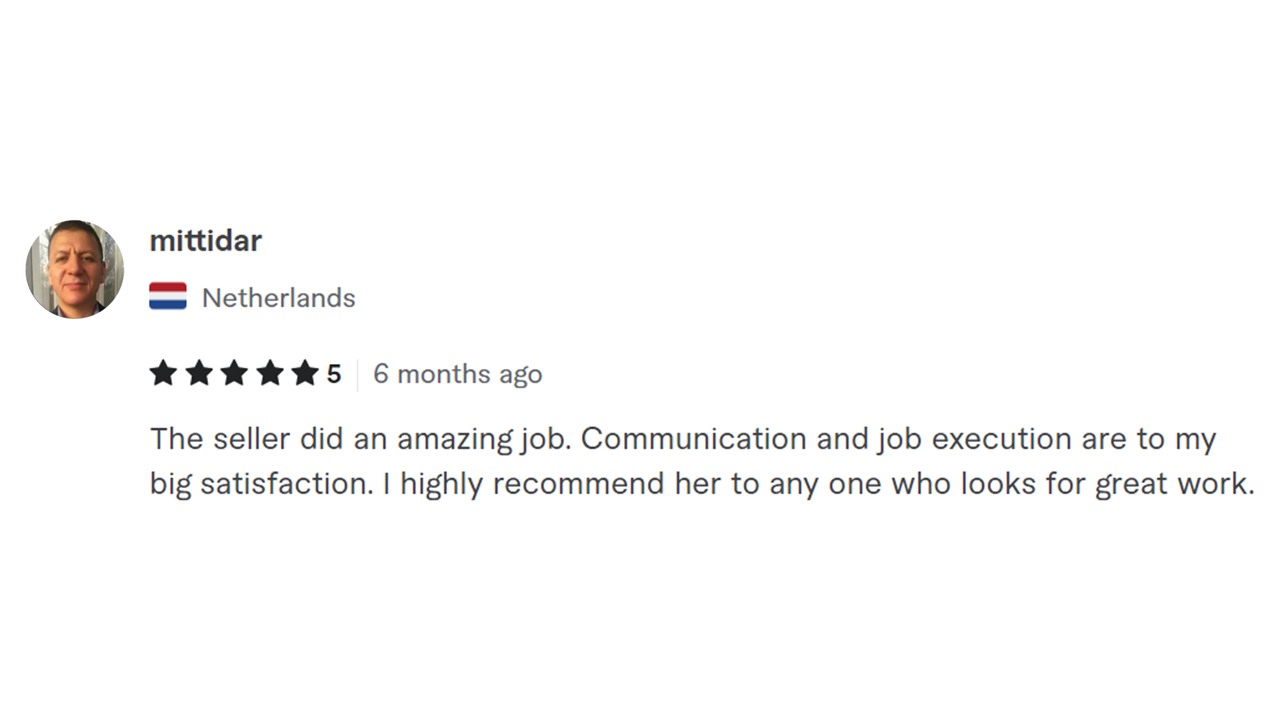
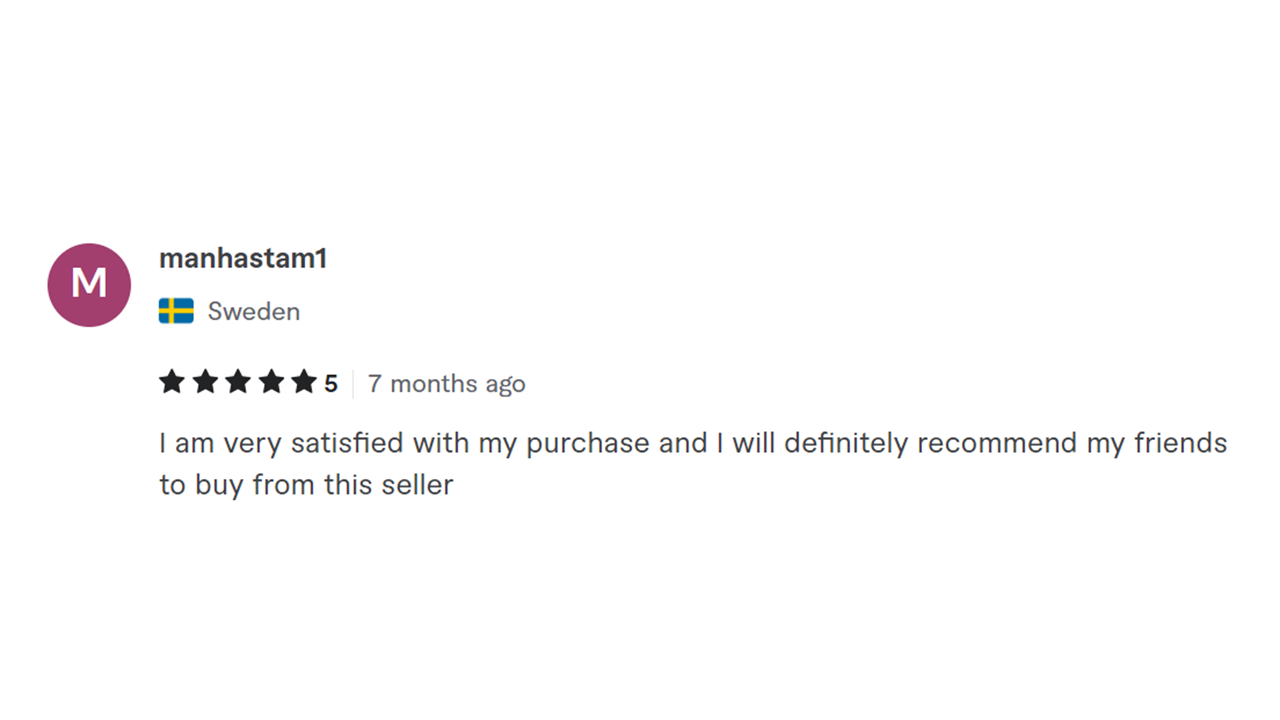
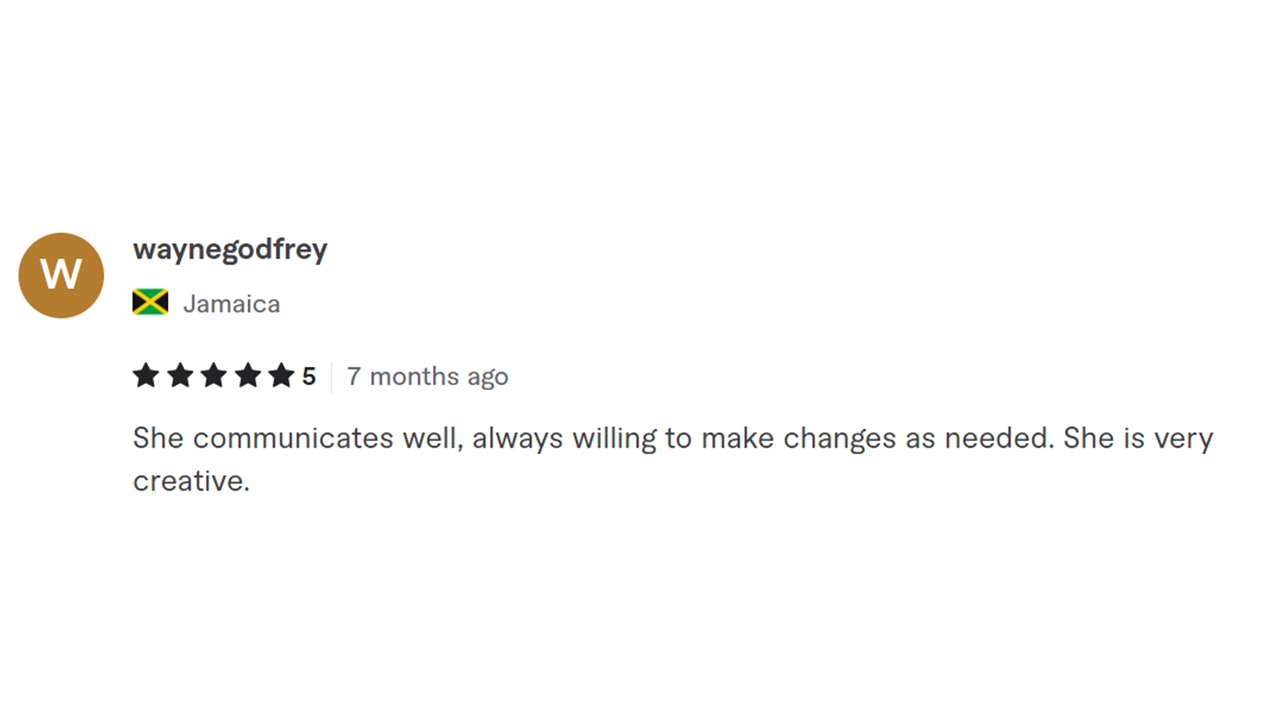
A great design course requires more than software knowledge. I’m a professional graphic designer and instructor with years of real-world client experience.
In this video, one of my international clients shares their experience working with me, offering a glimpse into my professional work.
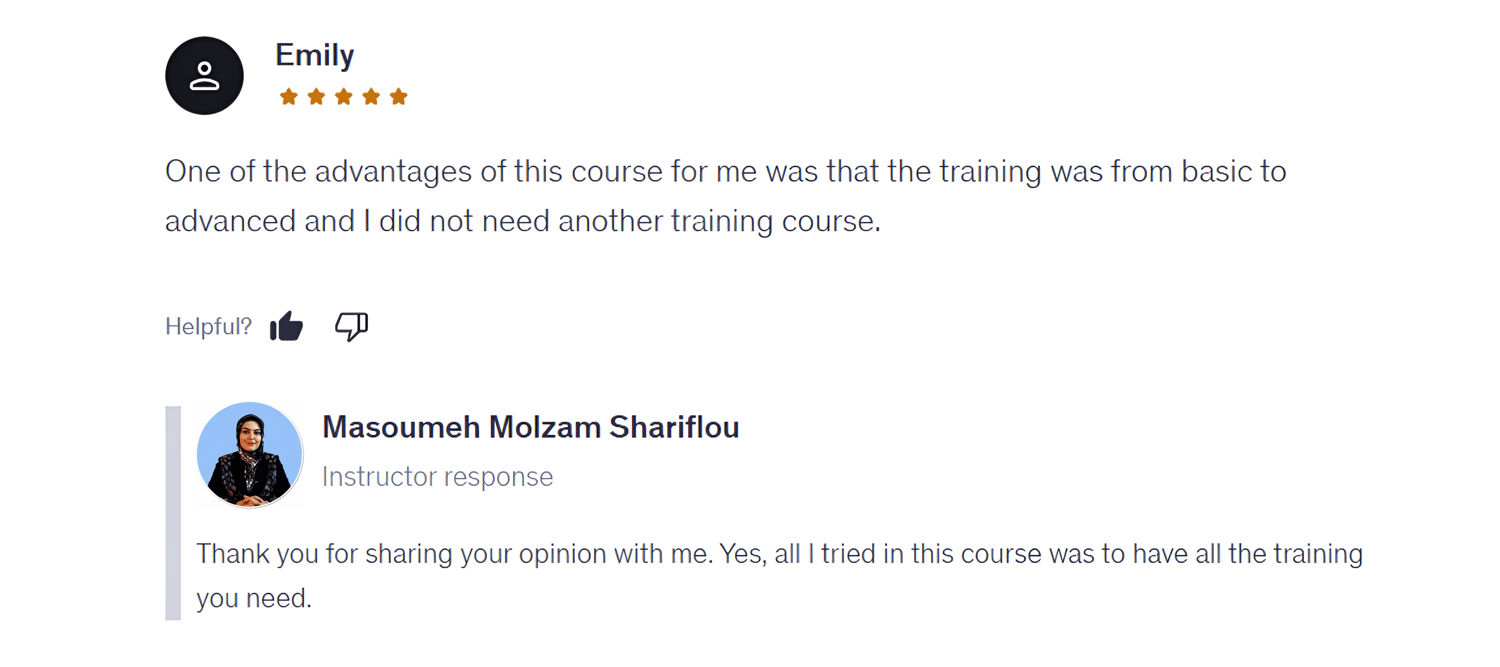
The skills I teach are shaped by real design projects and the practical challenges of the graphic design industry. You’ll learn Photoshop and AI from a designer who has applied these skills in real-world projects.

Pay once, learn forever.